How to Fully Automate Your Instagram With AI: A Step-by-Step Guide

On this page
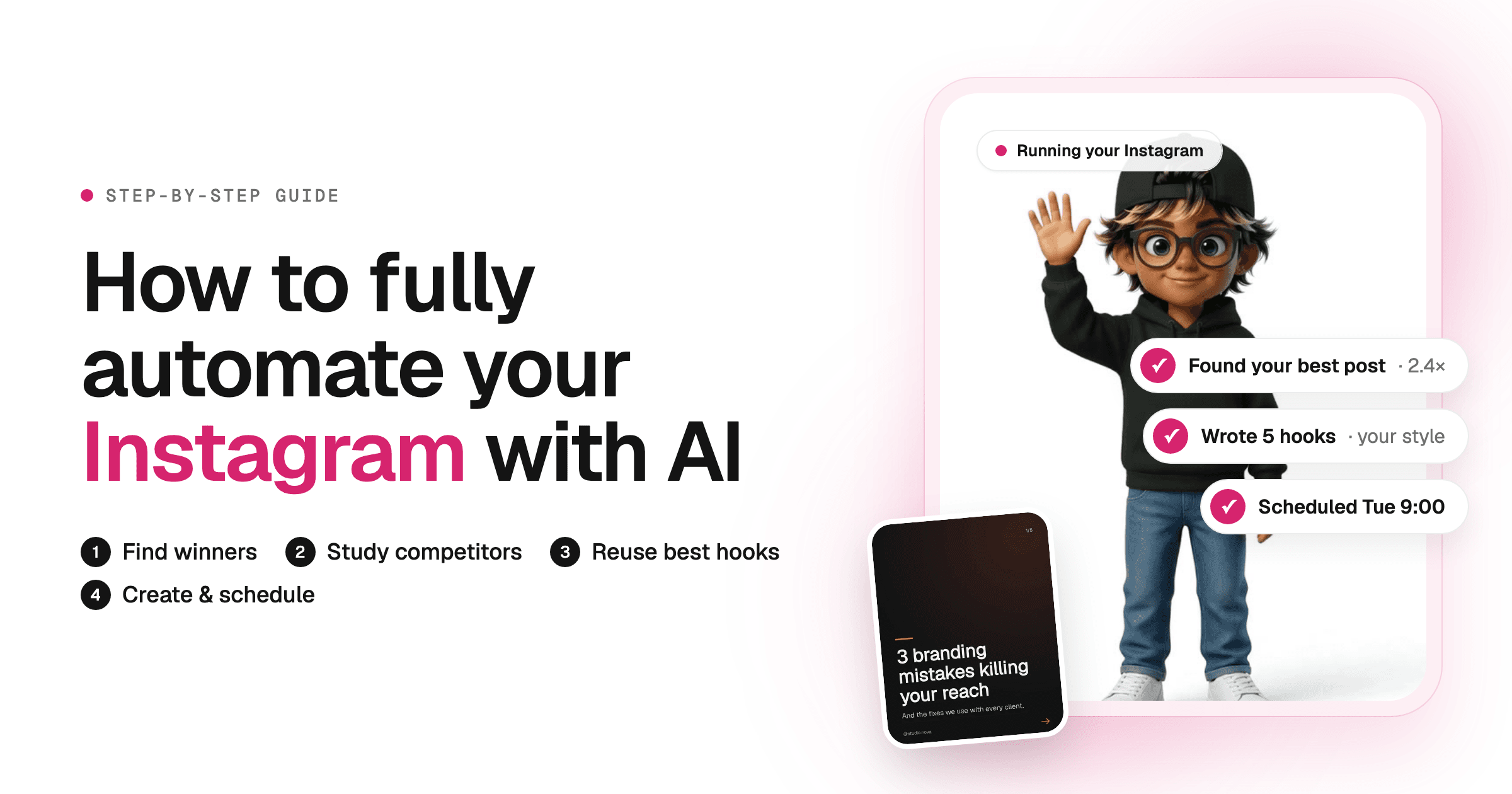
To fully automate your Instagram with AI, connect your account to an AI agent and let it run a weekly loop: find the posts that beat your own median, study the breakout posts of competitors in your niche, rank your hooks by performance, then design new posts in your brand kit and schedule them to auto-post in your best time slots. You stay in charge of what goes out; the agent does the rest.
Most people who try to automate Instagram start at the wrong end. They buy a scheduler, then still spend Sunday night staring at a blank caption wondering what to post. Scheduling was never the hard part. The hard part is knowing what to post, and that answer is already sitting in your data and in your competitors' best posts. So this guide starts there and ends with posts going out on their own. I'll show you how I do it with the Talk to me Data social media agent, and the do-it-yourself version with Claude if you'd rather build it.
Can You Fully Automate Instagram With AI?
Yes, almost all of it. An AI agent can analyze your posts, research competitors, pick topics and hooks, design carousels and images, write captions and Reel scripts, and publish to Instagram through its official API. The two things worth keeping human are filming Reels (unless you also automate editing) and replying to your community.
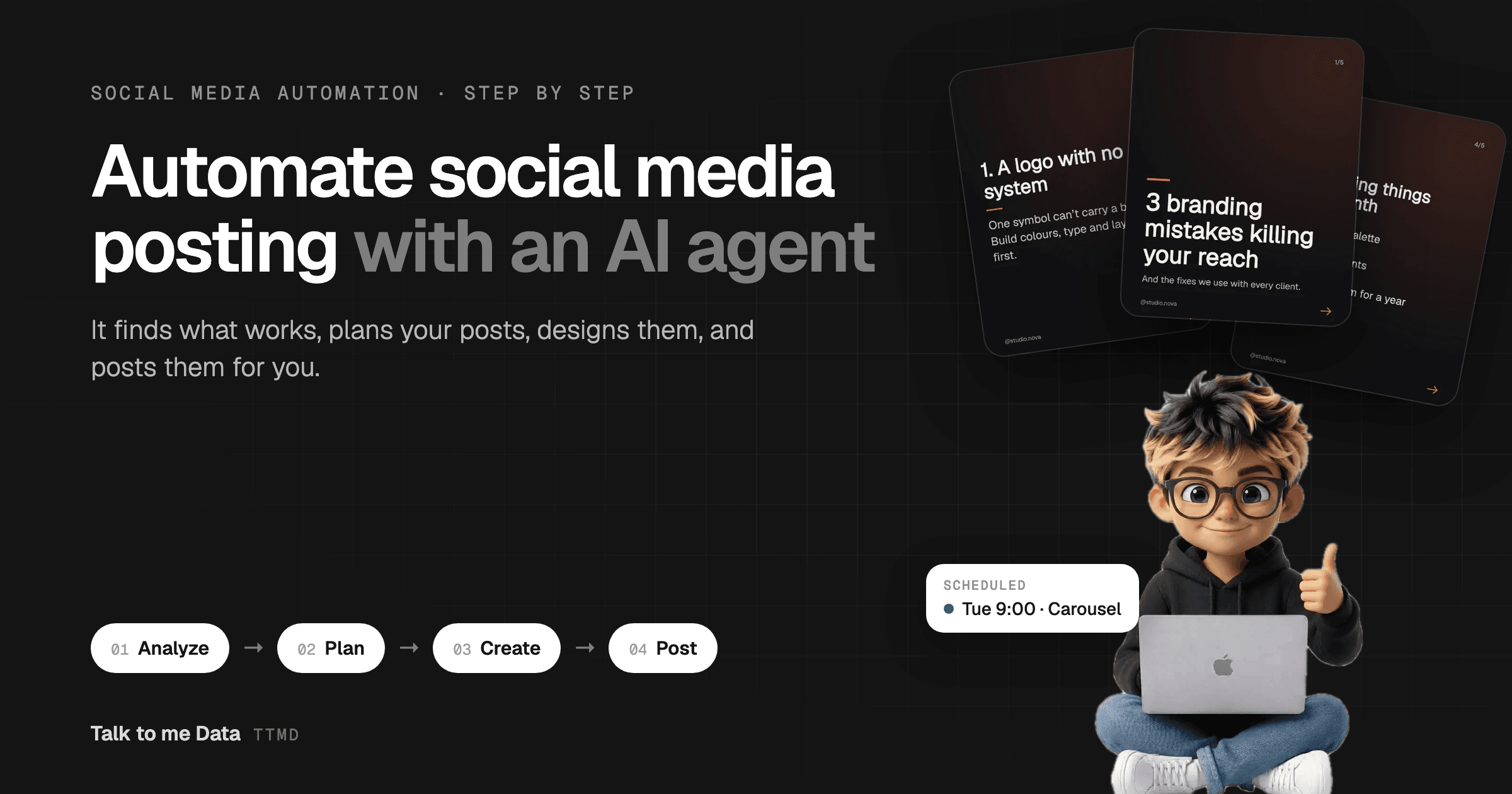
The whole thing is one loop that runs every week:
Before we go step by step, here is my full tutorial on YouTube. It covers the same loop, plus how I use Claude to write scripts and build carousels, animated posts and short videos:
In the video (14 minutes): finding topics your audience asks for, picking the right topic with the social media agent, writing the script, then using Claude with HyperFrames to build carousels, animated posts and a short-form video edited end to end.
Connect Your Instagram to an AI Agent
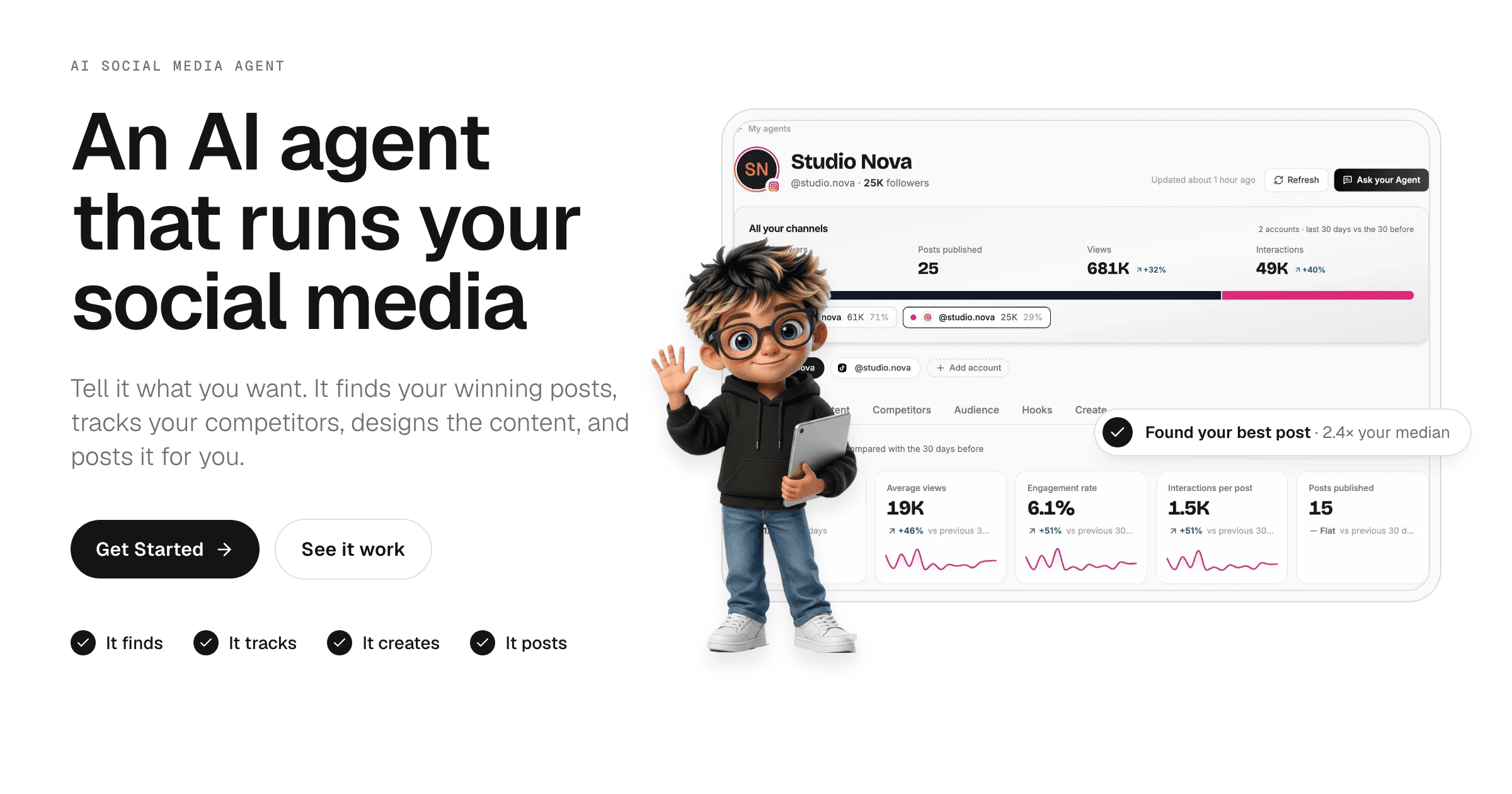
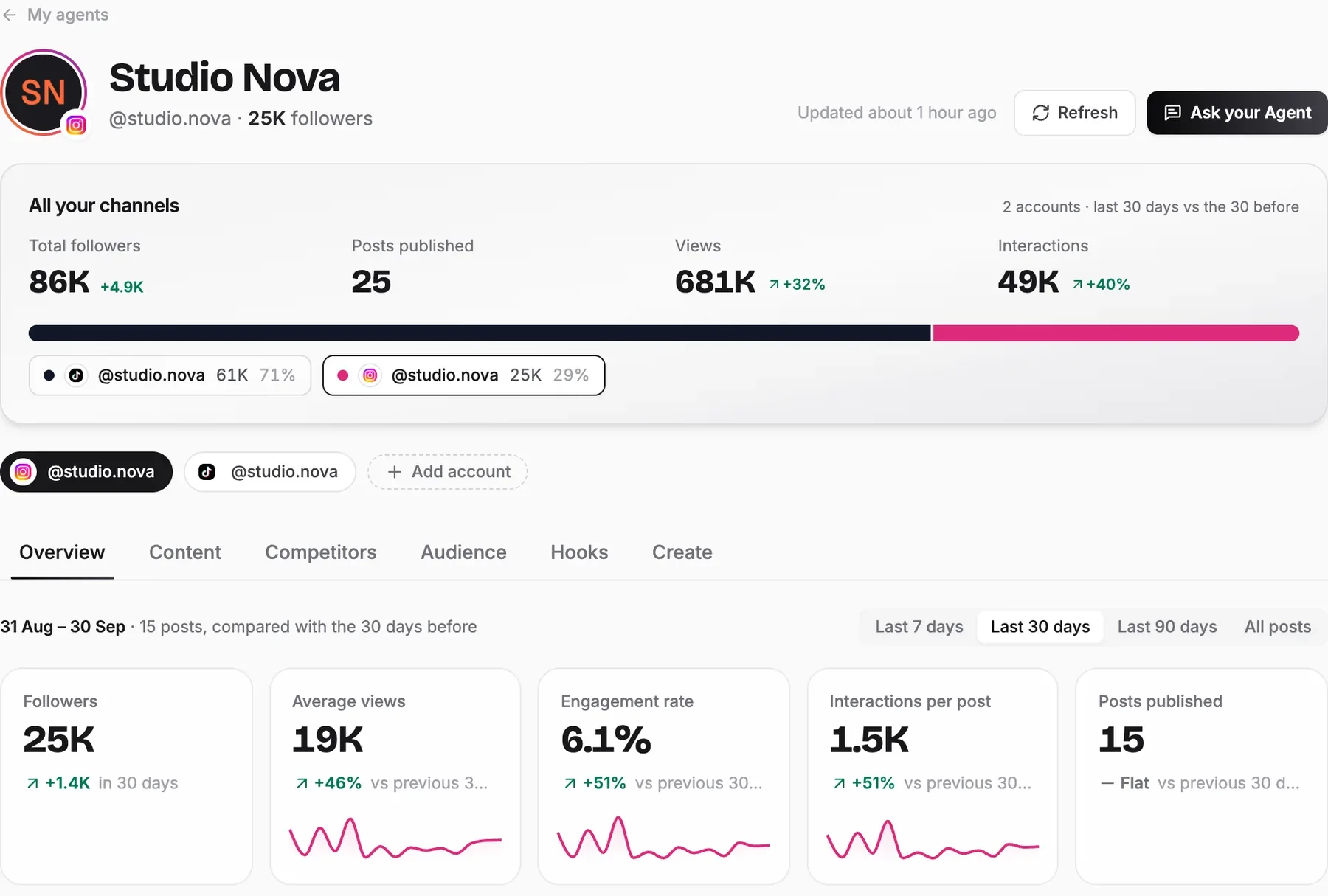
The first step is getting every post's numbers in one place without pulling them by hand. In the social media agent, you sign up, paste your public Instagram profile link, and the agent reads your posts. Your first analysis is ready in a few minutes.
You don't share a password. Analysis only needs the public link. Later, if you want the agent to post for you, you connect through Instagram's own sign-in. Posting needs an Instagram Business or Creator account (switching is free in Instagram's settings).
How Do You Find Your Best Performing Instagram Posts?
You find your best posts by comparing each one with your own median, not by looking at the biggest numbers. A Reel with 10K views is a hit on an account that usually gets 2K and a flop on one that usually gets 50K. The agent measures every post against your usual results and flags the breakouts: posts that did 2× your median or more. Those are the posts your audience is telling you to make again.
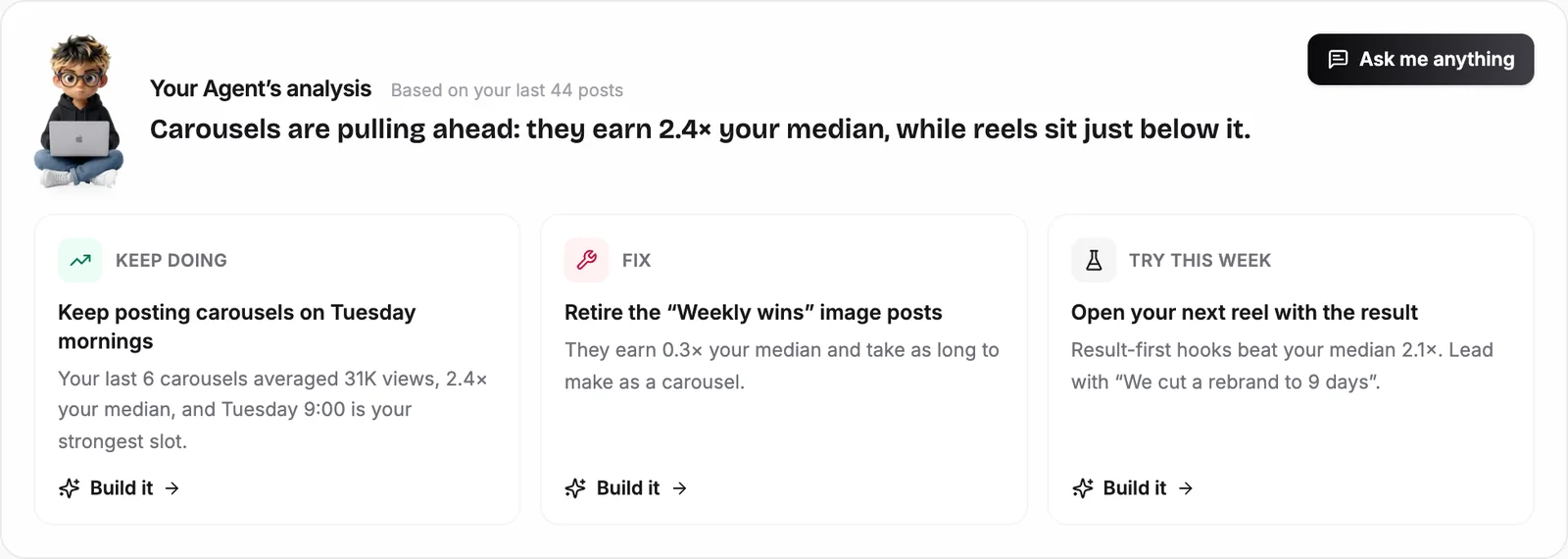
The Overview tab leads with the verdict in plain English: what to keep doing, what to fix and what to try this week. Each one has a Build it button, which matters later, because it turns an insight straight into a post.
Under the verdict, these are the four charts worth checking each week:
| Chart | The question it answers | What the agent does with it |
|---|---|---|
| Breakouts | Which posts beat my median, and by how much? | Uses them as the model for new posts |
| What each format earns | Should I post more Reels, carousels or images? | Shifts the plan toward the format that earns most |
| When you post | Which days and times get the most interactions? | Schedules new posts into those slots |
| Posting rhythm | How consistent am I, and where are the gaps? | Sets a pace you can keep |
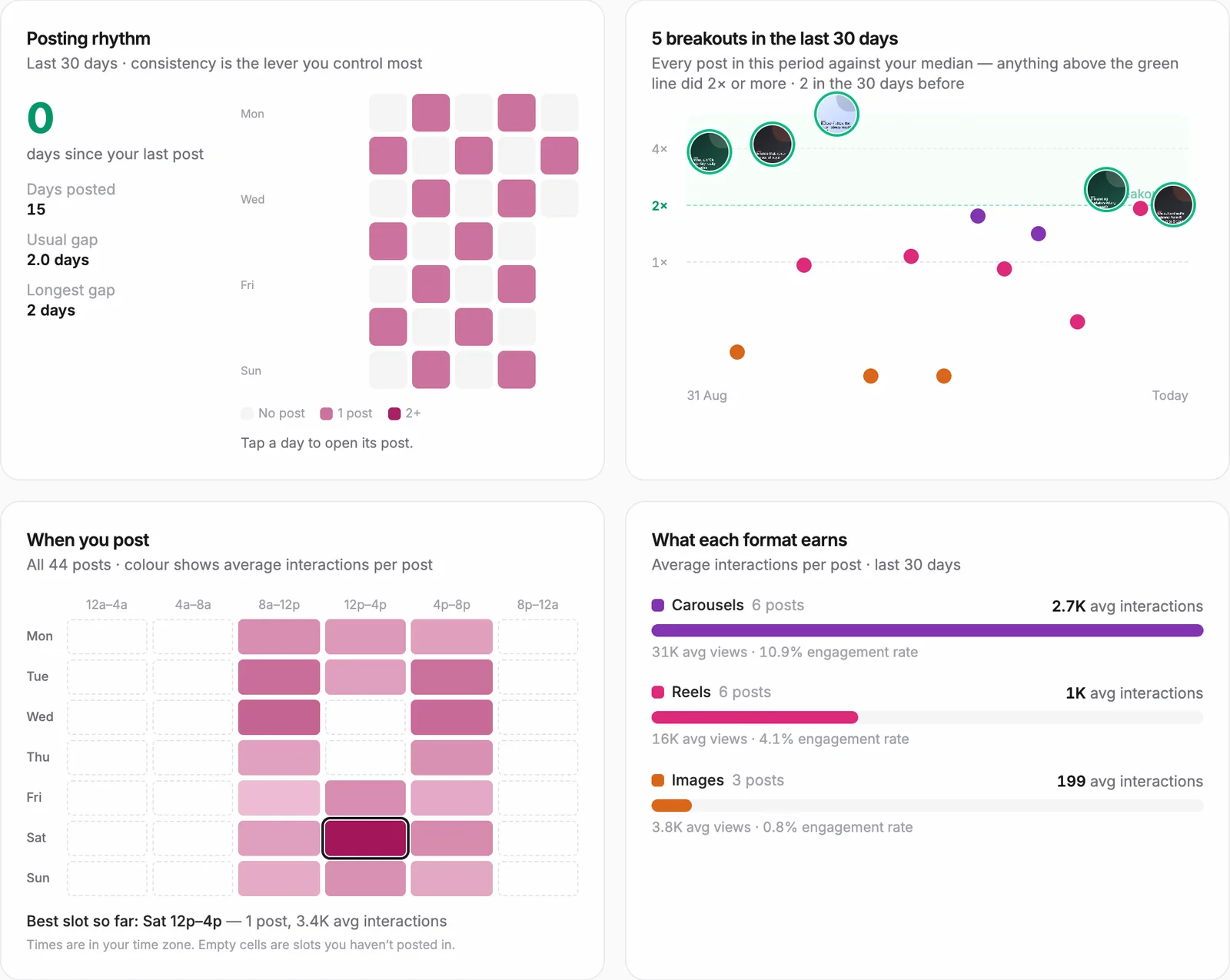
One habit I'd keep even with everything automated: open your top three breakouts on Instagram and watch them again. The numbers tell you which post won. Seeing it again tells you why.
How Do You Research Competitors on Instagram and Find Their Breakout Posts?
You research competitors by tracking a handful of accounts in your niche and only studying their breakout posts, the ones that did at least twice that account's usual views. Scrolling their whole grid wastes time, because most of their posts are average too. A breakout is different: it shows a topic or format the audience in your niche already wants, with proof.
The agent reads your bio and captions to understand your niche, then suggests accounts to track, labeled peer (a similar size to you) or aspirational (bigger accounts in your niche). I track a mix: peers show what works at my size, aspirational accounts show where the niche is heading. You can also paste any account's link to add it.
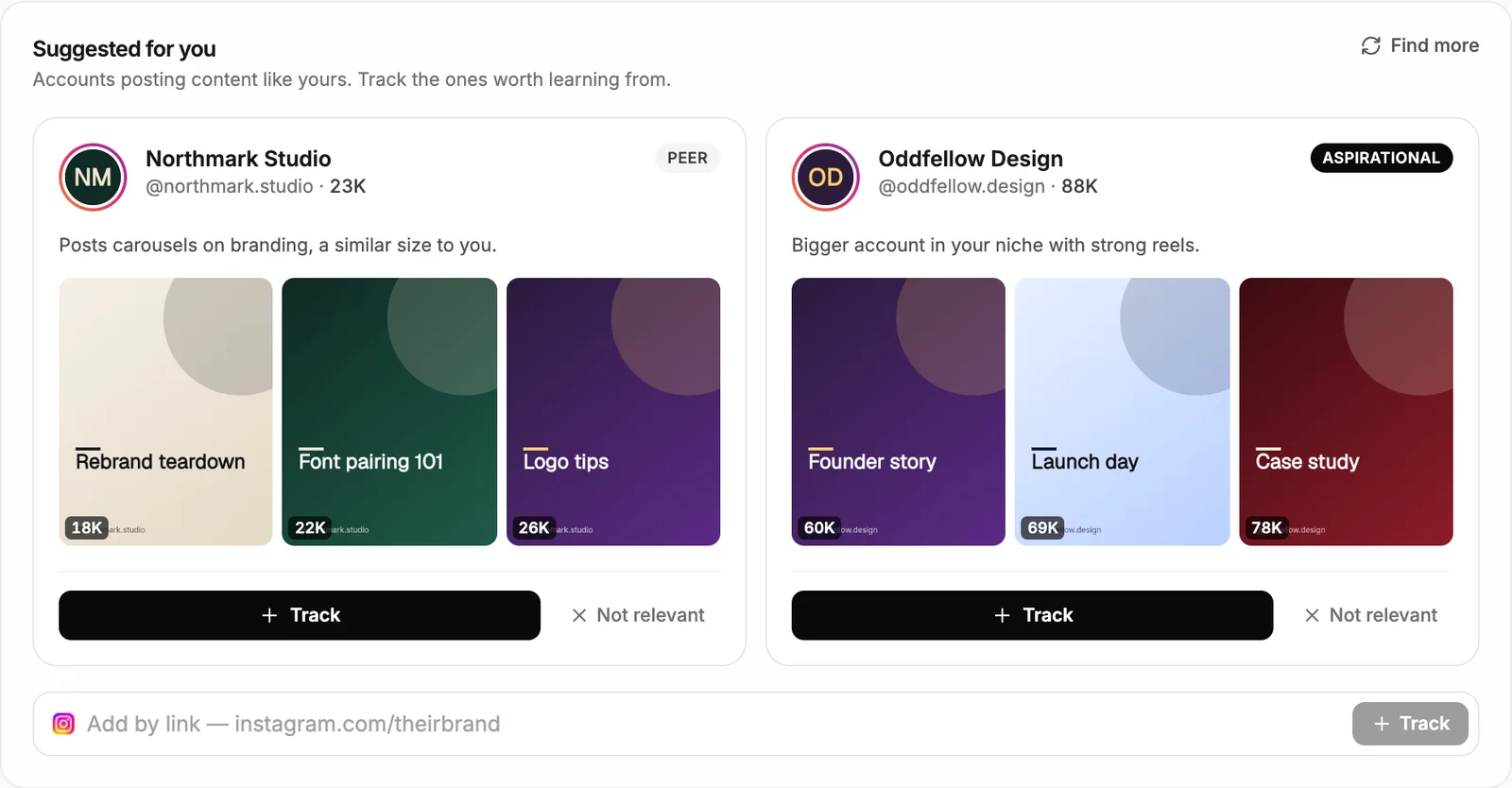
Once you track a few, the Competitors tab collects every breakout in your niche from the last 90 days:
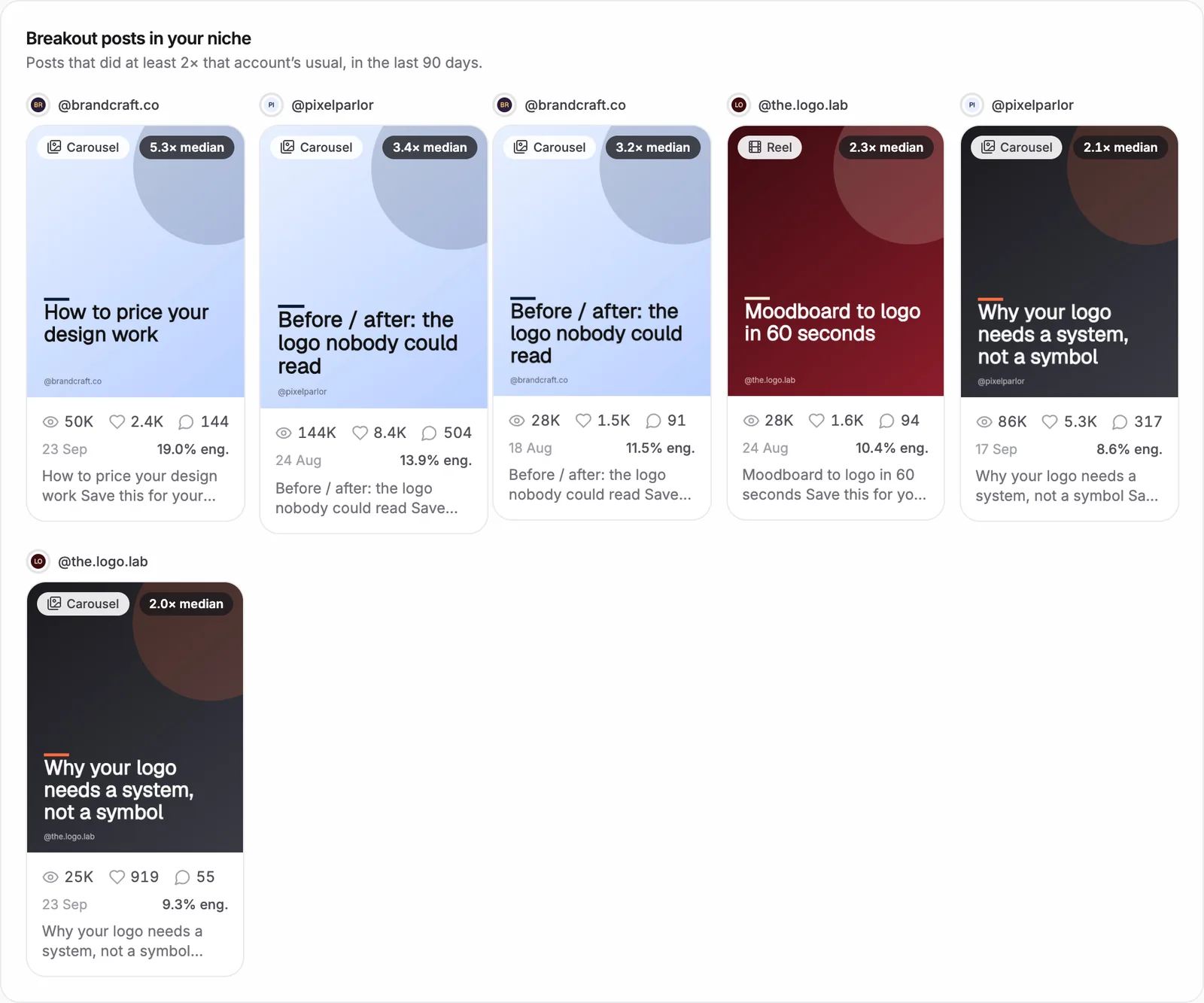
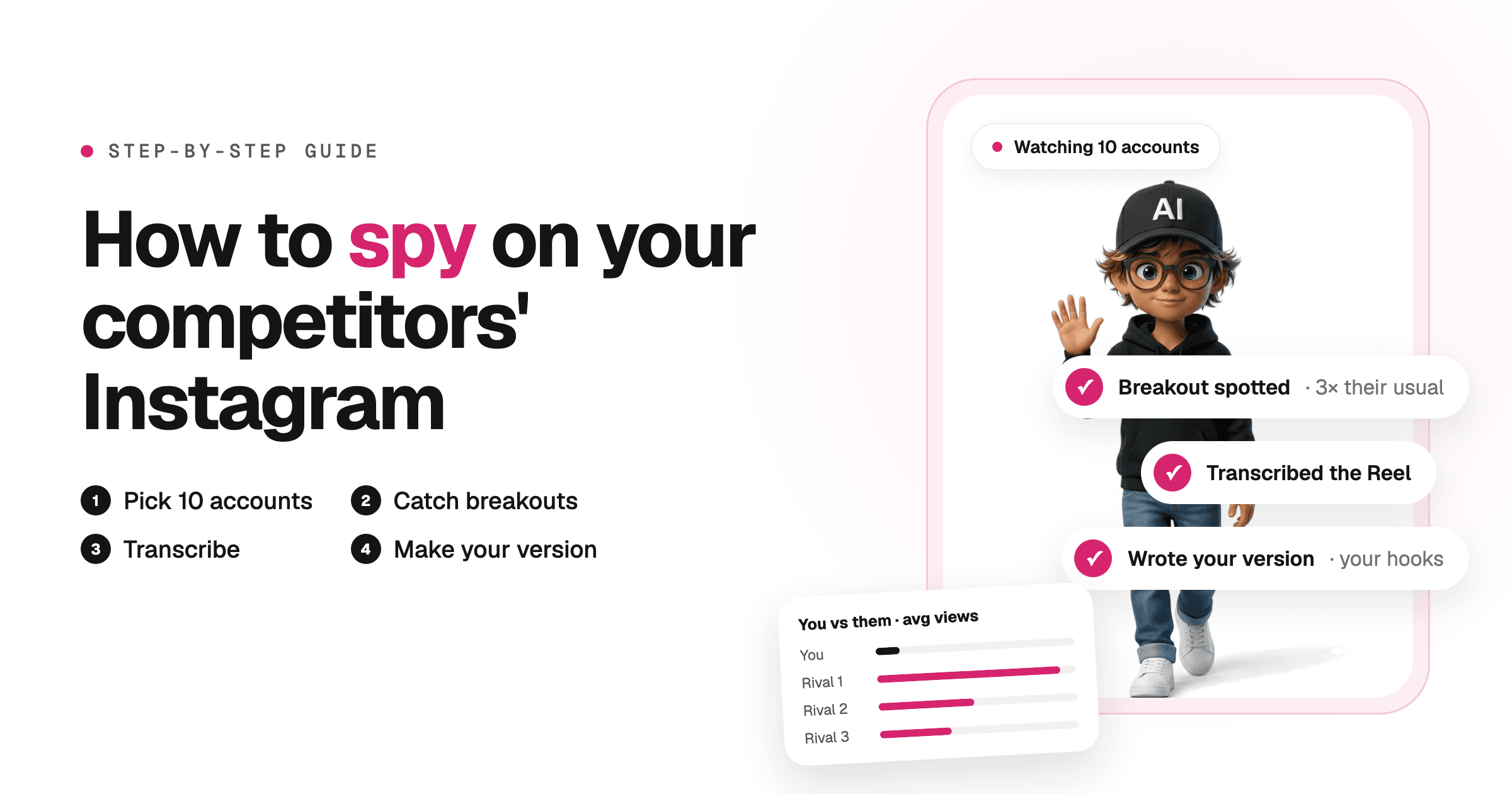
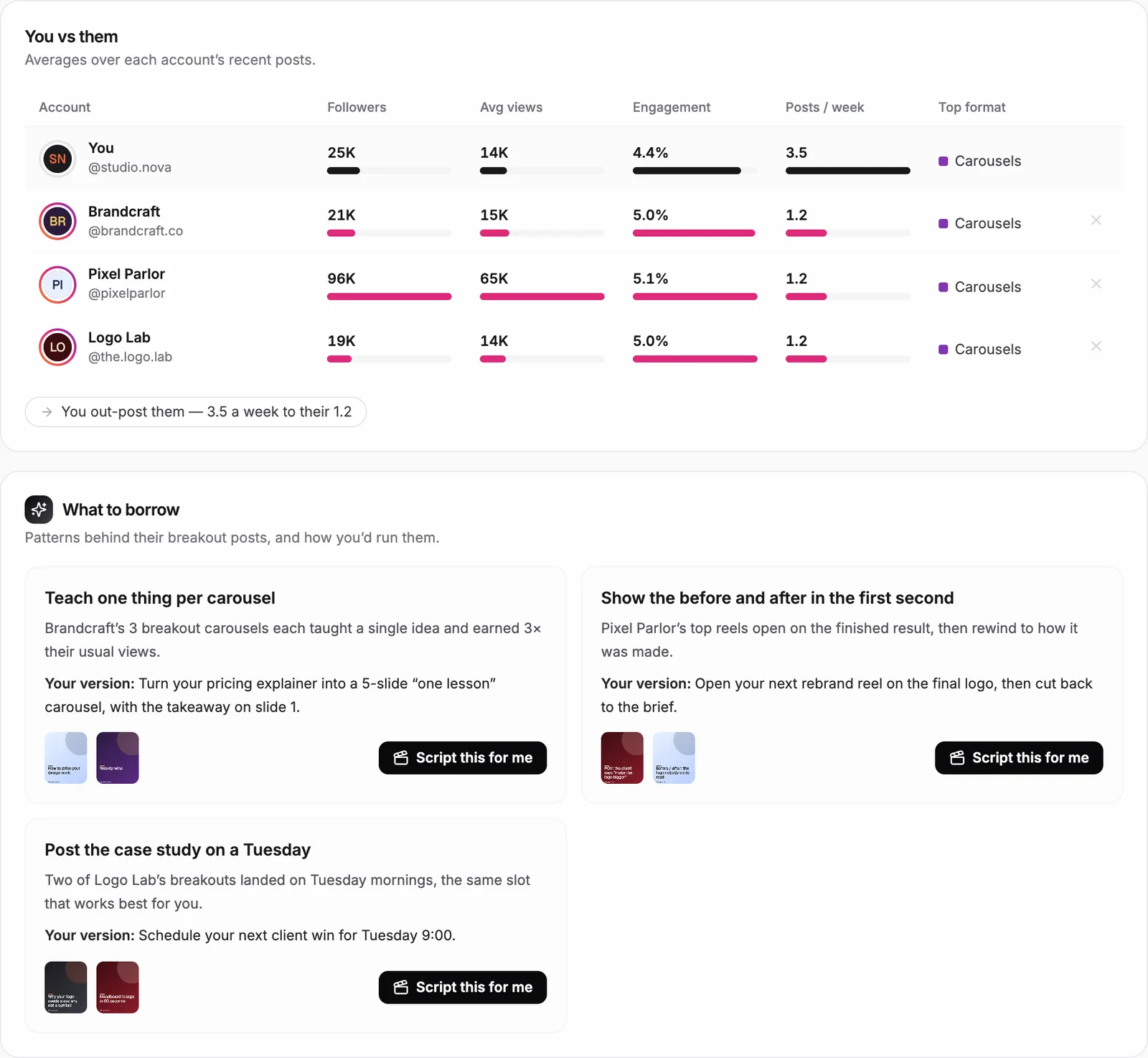
The rule I follow: borrow the pattern, never the post. If a competitor's carousel broke out because it taught one lesson per slide, or a Reel broke out because it showed the result in the first second, that structure is yours to use on your own topic. The What to borrow cards do this translation for you, and Script this for me writes your version. For the full method, from picking up to 10 accounts to transcribing their winners, read how to spy on your competitors' Instagram.
How Do You Find Your Best Instagram Hooks?
You find your best hooks by grouping the openings of your past posts into styles and scoring each style against your median. On Instagram the first line of a carousel or the first second of a Reel decides whether anyone sees the rest, so this is the single most reusable thing in your data.
The Hooks tab reads how your latest posts open, sorts them (result first, question, list, curiosity gap, bold claim, how-to, POV) and shows how each style performed. Your strongest style becomes a fill-in-the-blank formula, and Write 5 hooks like this gives you five new ones on your topics.
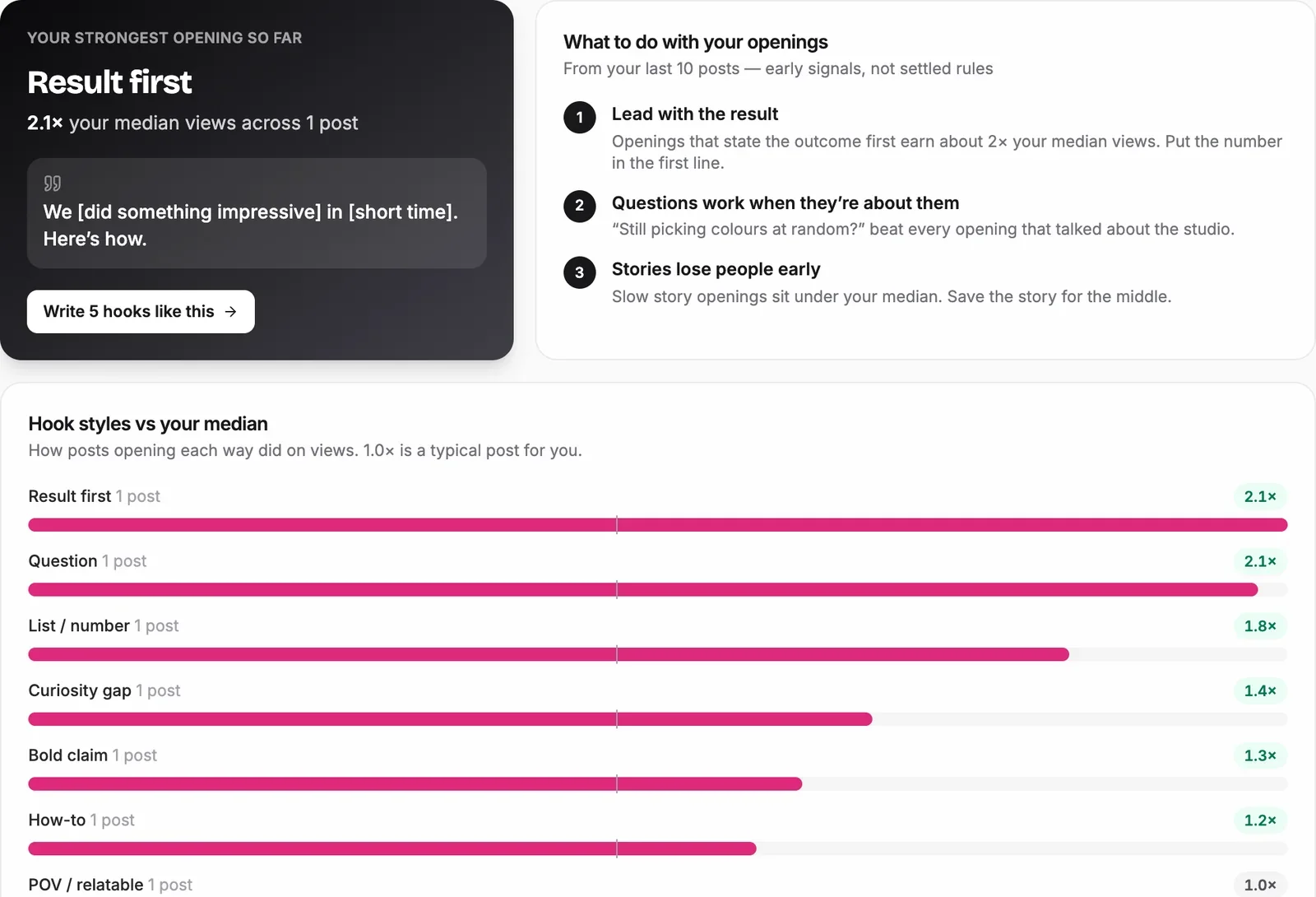
Read the notes on which openings to stop using, too; that's just as useful. And with only a few posts per style, treat the scores as early signals. They get more reliable every week the loop runs.
How Do You Create Instagram Posts With AI?
You create posts with AI by giving the agent the three things it learned above (your best format, your best hook style and the patterns behind breakouts) plus a brand kit, and letting it build a complete post kit. Do the brand kit once: logo, colours, font, layout and the handle in your footer. Every image and carousel the agent designs uses it, so posts look like you made them.
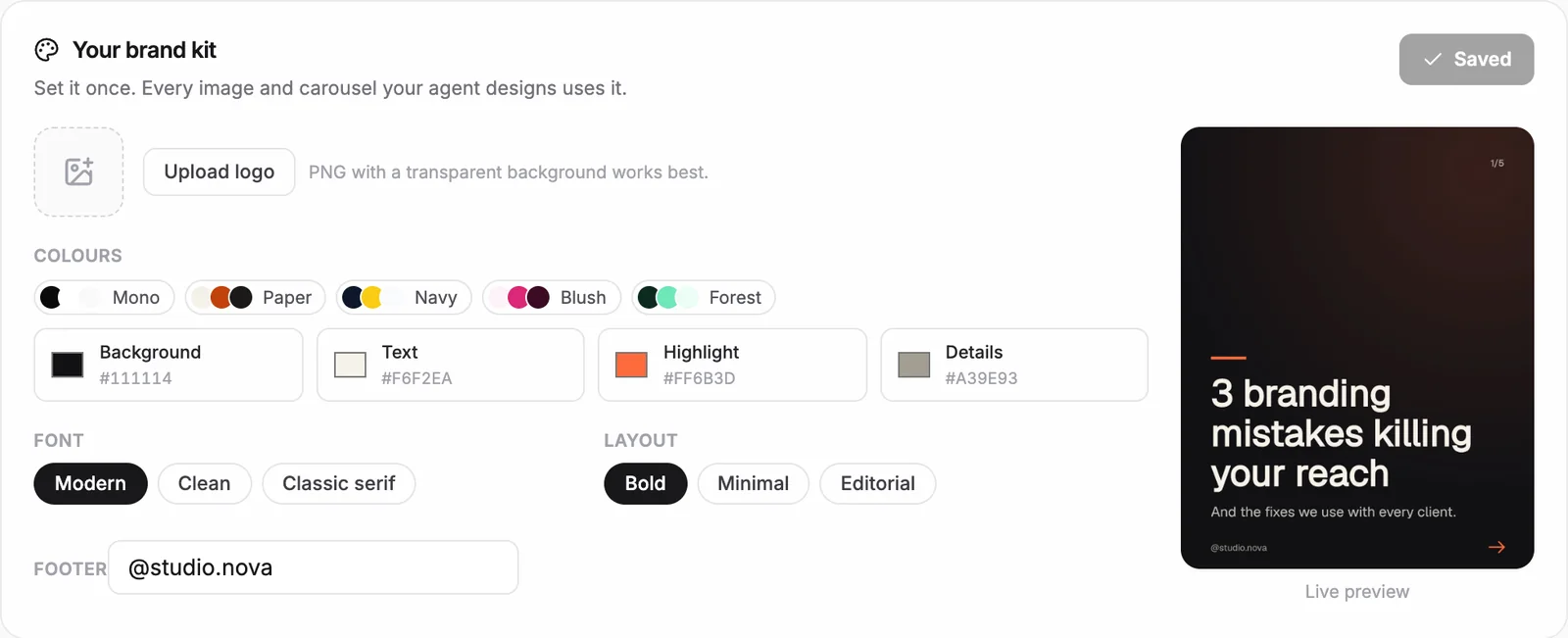
Then go to the Create tab. Either type what you want ("a carousel on the three mistakes I see in every brand audit") or click Build it on any insight from steps 2 to 4. The agent writes the hook options, the slides or Reel script, and the caption, and puts the post into your plan with a Why this line that ties it back to your numbers.
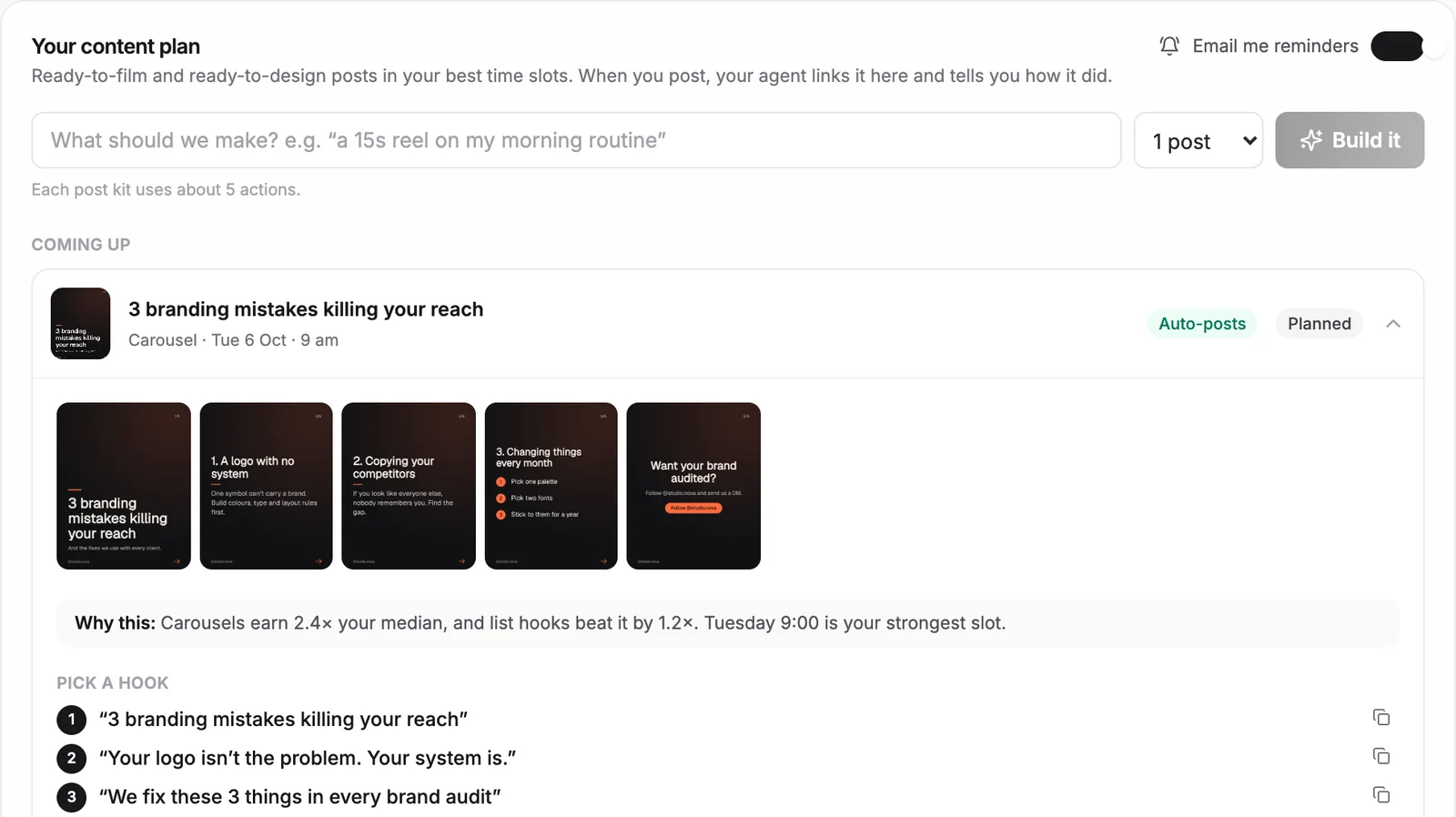
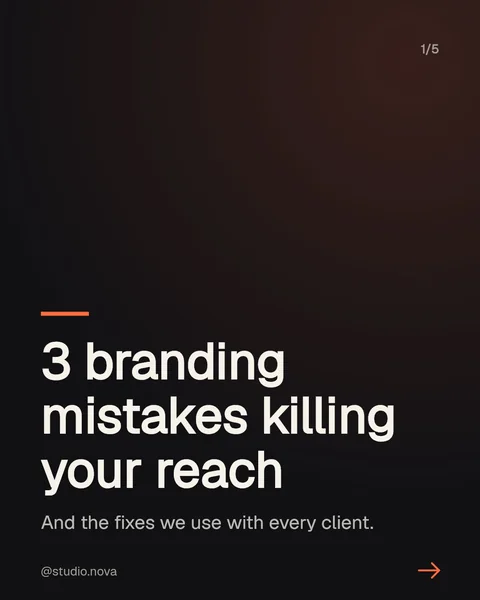
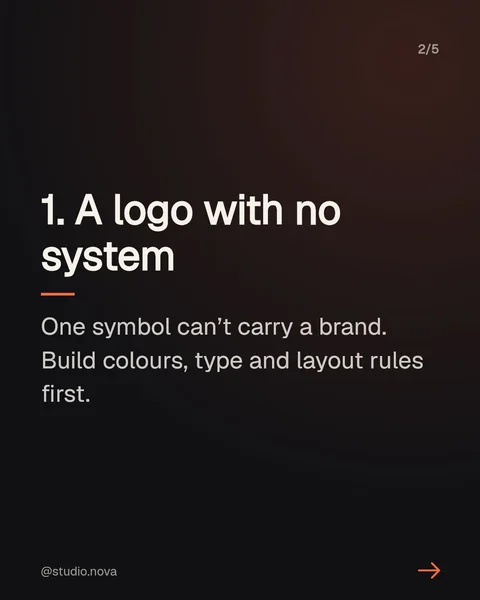
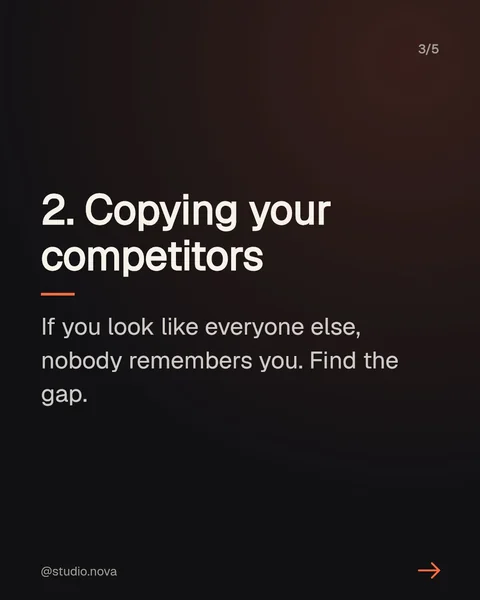
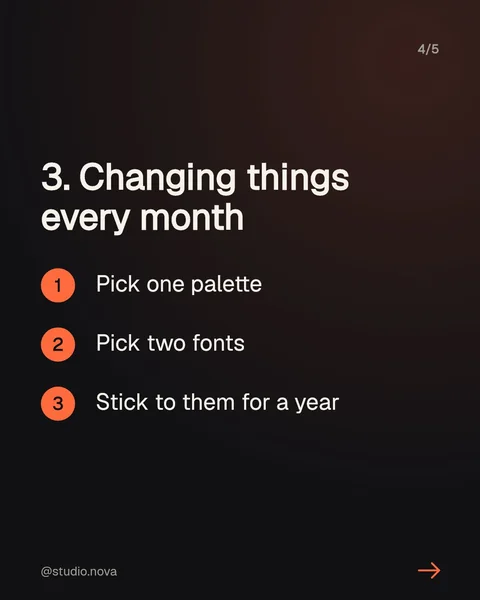
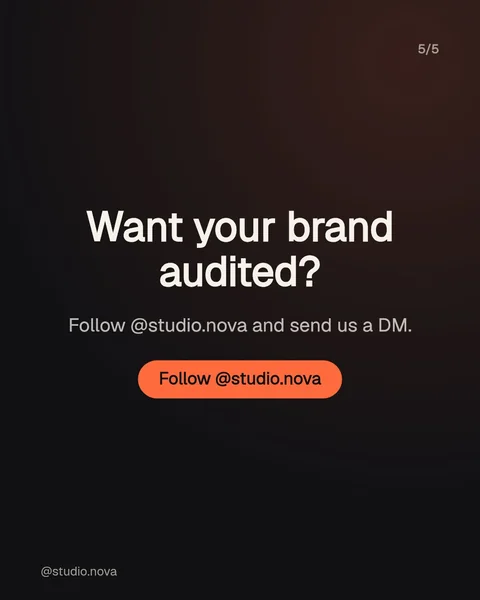
For Reels, the agent gives you the hook, a script and a caption to film from. If you want the editing automated as well, I edit short videos with Claude and HyperFrames; the tutorial above shows how, and I wrote up the setup in how to build free AI videos with Claude and HyperFrames.
How Do You Schedule Posts Directly to Instagram With AI?
You schedule posts directly to Instagram by connecting your account through Instagram's sign-in and setting each post to auto-post. The agent puts every post in your best time slot and publishes it at that time. If you'd rather post it yourself, switch it to an email reminder and you get the finished post in your inbox when it's due.
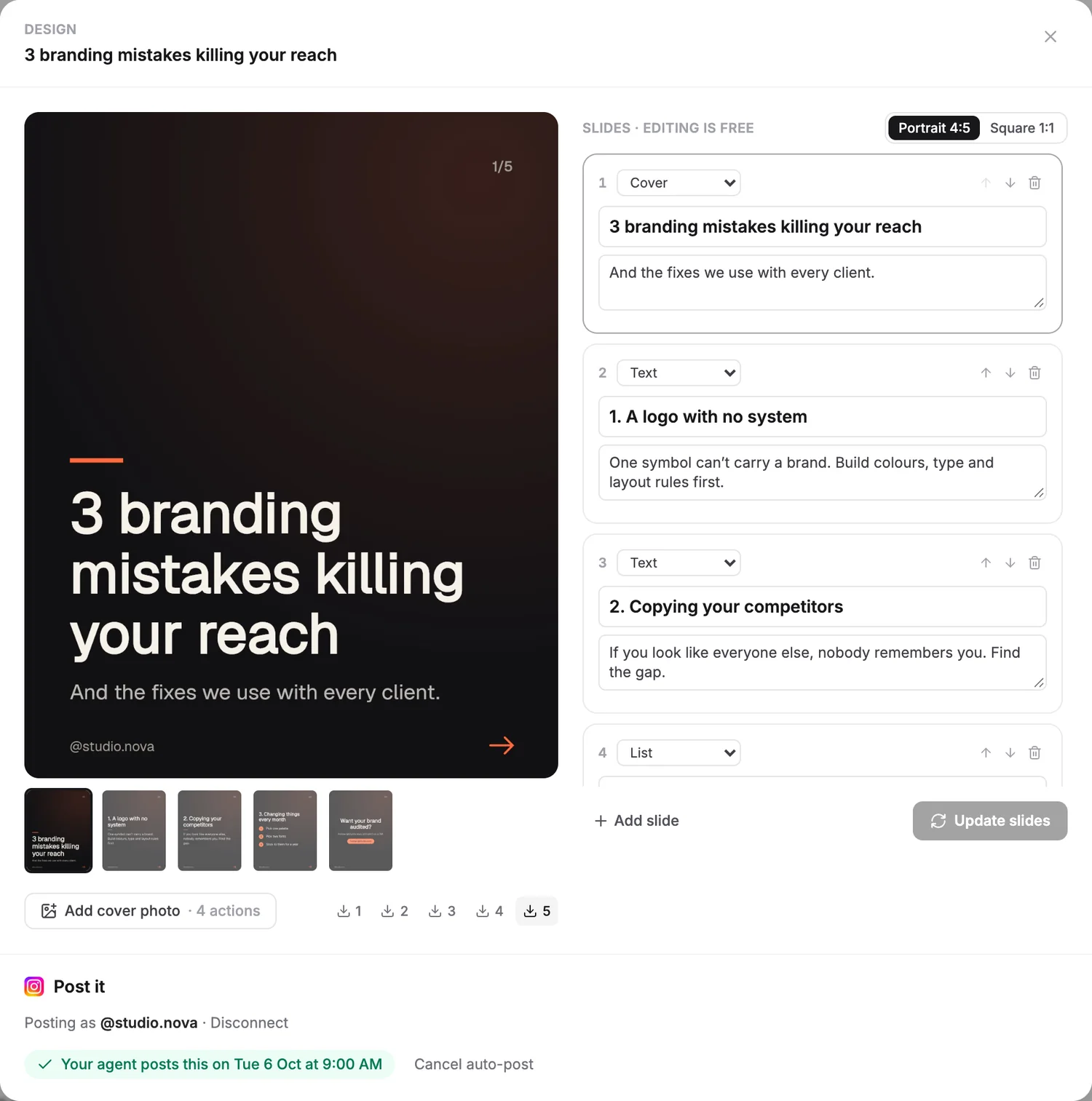
The final switch is autopilot. Turn it on in the Create tab and the agent builds a new post on its own every 7, 4, 3 or 2 days, based on what does well for you, and drops it into your plan at your best time. That is the point where the loop runs without you starting it. Here is how the work splits once it's on:
| Job | Who does it |
|---|---|
| Analyze posts and find breakouts | Agent, refreshed every week |
| Track competitors and their breakouts | Agent |
| Rank hooks and write new ones | Agent |
| Design carousels and images | Agent, in your brand kit |
| Write Reel scripts and captions | Agent |
| Film Reels | You (or Claude with HyperFrames for the edit) |
| Approve and publish | Your choice, post by post: auto-post or reminder |
| Reply to comments and DMs | You. Keep this human. |
On plans: the free Starter plan covers everything up to building posts when you ask. Autopilot and posting to Instagram for you start on the paid plans.
How Do You Automate Instagram With Claude, Without a Tool?
You can run the same loop by hand with Claude: export your post data, paste it into Claude with a structured prompt, and schedule the results in Meta Business Suite, which has a free planner for Instagram. It takes about an hour a week instead of zero, but it costs nothing beyond your Claude plan.
- Export your recent posts as a CSV from the Insights section of Meta Business Suite.
- Pick three competitor posts that clearly beat that account's usual views.
- Paste both into Claude with the prompt below.
- Design the posts (Claude can build carousel slides too) and schedule them in Meta Business Suite.
You are my Instagram strategist. Below is a CSV of my last [30] Instagram posts
exported from Meta Business Suite (date, type, caption, reach, likes, comments, saves, shares).

1. Work out my median reach. List every post that did 2x the median or more ("breakouts").
2. Compare formats (Reel, carousel, image): average reach, saves and shares per post.
3. Find my best posting days and times from the data.
4. Read the first line of every caption and group the hooks by style
   (result first, question, list, curiosity gap, bold claim, how-to, POV).
   Score each style against my median and write my best style as a fill-in-the-blank formula.
5. Here are 3 competitor posts that broke out in my niche: [paste links or captions].
   Tell me the pattern behind each one, not the topic.
6. Plan my next [3] posts: format, hook (in my best style), a 5-slide outline or a
   30-second script, caption, and the day and time to post. Explain each choice with my numbers.

Only use the numbers in the CSV. If something can't be worked out from the data, say so.

[paste CSV here]
The catch is the parts Claude can't do alone: it can't log into Instagram, it doesn't watch your competitors between sessions, and it can't publish. That's exactly the gap an agent fills. If you want to build your own, start with how to build a social media AI agent.
What Are the Most Common Instagram Automation Mistakes?
Summary
Fully automating Instagram with AI comes down to automating the decisions before the posting. Let an agent find the posts that beat your median, the breakout posts in your niche and the hooks that work best for you. Then let it design posts in your brand kit, put them in your best time slots and publish them, or turn on autopilot so the loop runs on its own.
For the bigger picture across every platform, read how to automate social media posting with an AI agent, or see how I turn the same data into carousels and edited videos in how to grow on social media with Claude and an AI agent.
Frequently Asked Questions
Can AI post to Instagram automatically?
Is automating Instagram against Instagram's rules?
Can AI make Instagram Reels for me?
Do I need to share my Instagram password?
How much does it cost to automate Instagram with AI?
How often should an AI agent post to Instagram?
Keep reading