How to Automate Keyword Research for GEO (Generative Engine Optimization), Step by Step

On this page
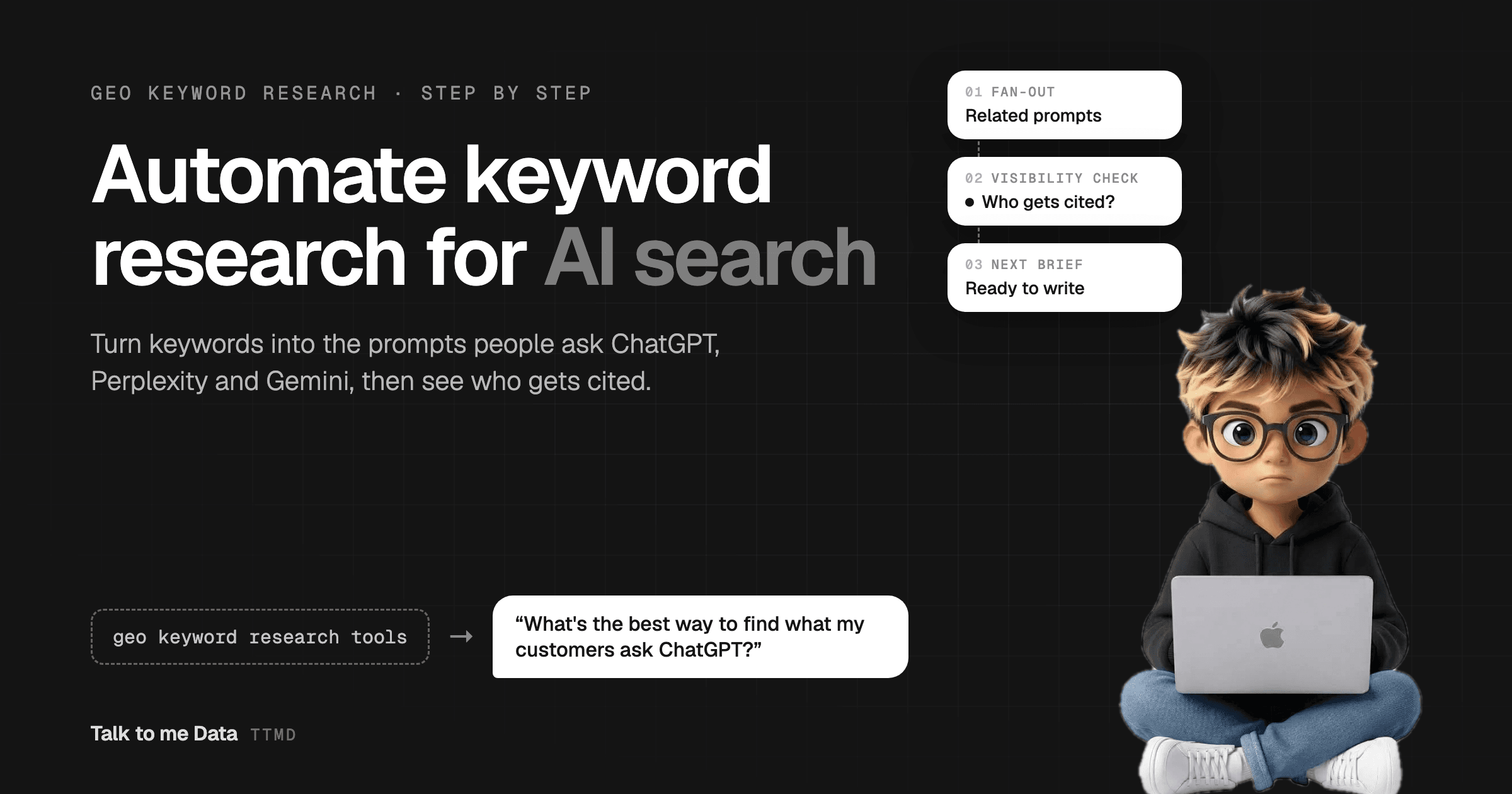
To automate keyword research for GEO, pull the question and long-tail queries from Google Search Console, have an AI agent rewrite each one as the prompts real buyers type into ChatGPT, Perplexity and Gemini, expand them into the sub-questions those engines search for, check who gets cited today, and turn the gaps into content briefs on a weekly schedule. This guide walks through all seven steps, the tools for each, and the exact agent prompt we use.
Classic keyword research gives you short phrases and a search volume. AI search doesn't work in short phrases. People ask ChatGPT full questions with their situation attached, the engine quietly runs several searches behind the scenes, and the answer cites a handful of sources. Keyword research for AI search has to find those questions and those sources. Doing that by hand every week is slow; it is also exactly the kind of repetitive, data-heavy loop an AI agent handles well.
TL;DR
- GEO keyword research maps the prompts people ask AI engines and who gets cited, not just keywords and volume
- Your best seed list is free: question queries and 6+ word queries in Google Search Console
- An LLM rewrites each keyword into realistic prompts (persona × intent × situation), then lists the fan-out sub-questions behind them
- Validate with real questions from People Also Ask, Reddit, support tickets and sales calls, since no AI engine publishes prompt volumes
- Check ChatGPT, Perplexity, Gemini and Google AI Mode for who is cited, score each cluster on value, gap and proof, and brief the winners
- Run it weekly. One agent prompt below automates the whole loop
What Is GEO Keyword Research?
GEO keyword research is the process of finding the questions people ask AI answer engines about your topic, and checking which brands and pages those engines cite in their answers. GEO stands for generative engine optimization: getting your content quoted and linked by ChatGPT, Perplexity, Gemini, Claude and Google's AI Overviews and AI Mode. (Our guide to automating SEO and GEO with an AI agent covers the bigger picture.)
It shares a starting point with SEO keyword research but ends somewhere different:
| SEO keyword research | GEO keyword research | |
|---|---|---|
| Unit of research | A keyword of 2 to 4 words | A full prompt, often 10 to 30 words, with context |
| Demand signal | Monthly search volume | No official volume; triangulated from questions people really ask |
| What you compete for | A position on page one | A mention or a citation inside the answer |
| Who you compete with | The ten blue links | The few sources the engine picks for each sub-question |
| How you measure it | Rank tracking | Repeated prompt checks: cited, mentioned or absent |
| Output | A keyword list | A prompt map grouped into clusters, one page per cluster |
Why Doesn't Normal Keyword Research Work for AI Search?
Normal keyword research misses how AI search actually picks its sources. Two things are different.
People ask in full sentences, with their situation attached. Nobody types "keyword research for ai search" into ChatGPT. They type "I run a small agency, how do I find out what clients ask ChatGPT about our niche?" The keyword is still in there, but the persona and the context decide what a good answer looks like, and which page gets cited.
The engine searches more than the prompt. Google describes a technique called query fan-out: AI Mode breaks a question into subtopics and runs many searches at once on the user's behalf, then combines what it finds into one answer (see Google's AI Mode announcement). ChatGPT and Perplexity work in a similar way when they browse. The pages that get cited are often the ones that best answer one of those hidden sub-questions, not the one that matches the original wording.
So GEO keyword research has to answer three questions SEO tools don't: what do people actually ask, what does the engine search for to answer it, and who gets cited when it does.
How to Automate Keyword Research for GEO, Step by Step
Here is the full loop. Each step is written so you can do it by hand first, then hand it to an agent. The agent prompt further down runs all seven.
Step 1: Seed from Google Search Console
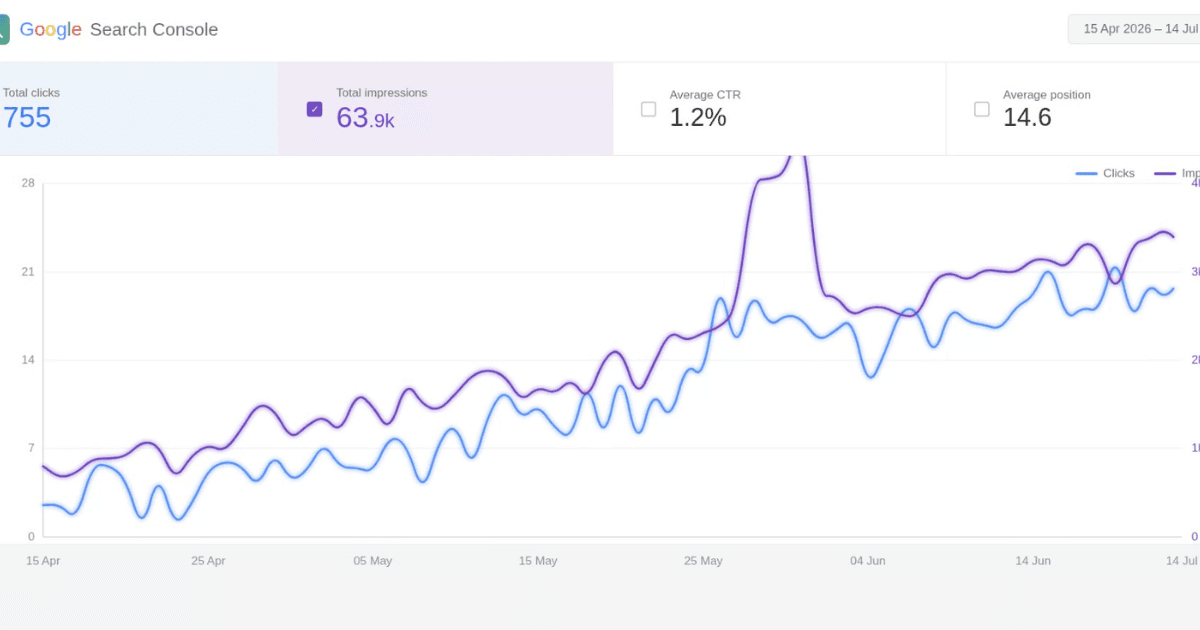
Your Search Console data is the best free seed list you have, because it shows the questions people already associate with your site. Open the Performance report, set the date range to the last three months, and add a Query filter using Custom (regex). Two filters do most of the work:
| Filter | Regex to paste | What it finds |
|---|---|---|
| Questions | ^(how|what|why|which|who|when|where|can|does|do|is|are|should)\b | Queries phrased as questions, the closest thing to a prompt |
| Long queries | ^(\S+\s){5,}\S+$ | Queries of six words or more, which carry the most context |
Export both and keep the top 50 by impressions. Google counts AI Mode clicks and impressions in these same reports, and its newer generative AI performance reports show which of your pages appear in AI Overviews and AI Mode. Note those pages: they are your starting GEO footprint.
To automate it: connect the agent to the Search Console API (read-only) and have it run both filters on every run, so the seed list refreshes itself.
Step 2: Rewrite each keyword as real prompts
A model like Claude or ChatGPT turns each seed into the prompts different buyers would type. Give it a simple formula: persona × intent × situation. Persona is who is asking (owner, marketer, freelancer). Intent is what they want (learn, compare, choose, fix). Situation is the detail people add ("we're a 10-person team", "on a small budget", "we use WordPress").
Ask for three to five prompts per seed and tell the model to write the way people type into a chatbot, not the way marketers write headlines. Fifty seeds become 150 to 250 prompts in a few minutes.
Step 3: Expand each prompt with fan-out questions
Next, ask the model to play the engine: "To answer this prompt well, which four to six searches would you run?" The answer is a close stand-in for the fan-out queries an AI engine sends in the background. These sub-questions are gold. They become the H2s of the page you write, and each one is a separate chance to be the source the engine cites.
If you use Perplexity or ChatGPT with search on, you can also open the sources panel on an answer to see which searches and pages it actually used.
Step 4: Validate with questions real people ask
Generated prompts are a hypothesis. Before you build on them, check that people really ask these things. The fastest checks are Google's People Also Ask boxes, Reddit and Quora threads, and the questions in your own support inbox and sales calls. Drop prompts you can't find any trace of, and add the real questions you find that the model missed. The next section covers these sources in more detail.
Step 5: Check who AI search cites today
Now run your top 20 prompts through the engines your buyers use: ChatGPT (with search), Perplexity, Gemini and Google AI Mode. For each answer, log which brands are mentioned, which URLs are cited, and whether you appear. A simple sheet is enough:
| Prompt | Engine | Brands mentioned | URLs cited | You | Checked |
|---|---|---|---|---|---|
| Which GEO keyword research tools are worth paying for? | Perplexity | [brand A], [brand B] | [competitor].com/blog/… | Absent | [date] |
| … | ChatGPT | … | … | Cited / Mentioned / Absent | … |
One warning: AI answers vary from run to run, and by user and location. Treat each check as a sample. Run the same prompts weekly and look at the trend, not one result.
To automate it: a do-it-yourself agent can approximate this with web search, which shows the pages engines are likely to draw from. To log the real answers at scale, use the engines' APIs or a prompt tracking tool from the table below.
Step 6: Score and cluster the prompts
Group prompts that one page could answer into a cluster. A few hundred prompts usually collapse into a much shorter list of topics. Then score each cluster from 1 to 5 on three things:
- Business value: would someone asking this become a customer?
- Citation gap: are competitors cited while you are absent?
- Proof: do you have first-hand data, examples or expertise to add? AI engines favor pages with facts they can quote.
Multiply the three. The highest scores land in the top right of this matrix:
Step 7: Turn each cluster into a brief, and schedule the loop
A GEO brief is a normal content brief with three extras. It names the target prompt, not just the keyword. It lists the fan-out questions as H2s. And it drafts the 40 to 60 word direct answer the page opens with, since that is the passage most likely to be quoted. Add the facts the page must include, the schema to use (Article, FAQPage, HowTo) and the existing pages that should link to it.
Then put the loop on a schedule. Re-run steps 1 and 5 weekly to catch new questions and track citations, and the full research monthly. The schedule is what turns a one-off project into a system.
How Do You Find the Prompts People Ask ChatGPT?
You find the prompts people ask ChatGPT by triangulating, because OpenAI doesn't publish them. There is no Search Console for ChatGPT. Instead, combine three kinds of sources and trust the questions that show up in more than one.
- Your own data. Search Console question queries, your site search, support tickets and sales call notes. These are the closest thing to a buyer's raw prompt, and nobody else has them.
- The open web. People Also Ask, Reddit, Quora, YouTube comments and review sites show how people phrase problems in their own words. Tools like AlsoAsked and AnswerThePublic speed this up.
- The AI engines themselves. Ask ChatGPT or Perplexity a seed question and note the follow-up questions it suggests. Use fan-out (step 3) to see what the engine searches. And if you pay for a prompt tracking tool, its prompt database shows which questions it has seen.
A practical tip: sales calls are underrated. The way a prospect describes their problem on a call is almost exactly how they describe it to ChatGPT the night before.
What Are the Best GEO Keyword Research Tools?
The best GEO keyword research tools are the ones that cover each step of the loop. No single tool does all seven, so most teams combine a free data source, an LLM and one tracking tool:
| Tool | Step it covers | What it does for GEO | Cost |
|---|---|---|---|
| Google Search Console | 1, 5 | Question and long queries from your real traffic; AI Mode data and generative AI reports | Free |
| Claude or ChatGPT | 2, 3, 6, 7 | Rewrites keywords as prompts, lists fan-out questions, clusters and writes briefs | Free tier or subscription |
| Perplexity | 3, 5 | Shows the sources behind each answer, so you see who is cited | Free tier |
| AlsoAsked, AnswerThePublic | 4 | Maps People Also Ask and autocomplete questions around a topic | Free tier, paid plans |
| Ahrefs Brand Radar | 4, 5 | AI visibility across a large prompt index, plus tracking for your own prompts | Paid |
| Semrush AI toolkit | 4, 5 | Brand visibility and mentions in AI answers alongside classic keyword data | Paid |
| Profound, Peec AI, Otterly.AI | 5 | Dedicated prompt tracking across ChatGPT, Perplexity, Gemini and AI Overviews | Paid |
| Google Sheets | All | Holds the prompt map, visibility log and briefs the agent writes to | Free |
Prompt volume numbers from paid tools are estimates built from panels, People Also Ask data and keyword databases. They are useful for comparing prompts with each other, not as exact demand. Tools in this space change quickly, so check current features before you buy.
Copy the GEO Keyword Research Agent Prompt
This prompt runs all seven steps. Paste it into a Claude Project (or any agent builder), connect Google Search Console, Google Sheets and web search, and swap the brackets for your details. New to agents? Our guide on how to build an AI agent covers the setup.
You are a GEO (Generative Engine Optimization) keyword researcher for [Business Name], which sells [product or service] to [audience].

GOAL
Find the prompts our buyers type into ChatGPT, Perplexity, Gemini and Google AI Mode, check who those engines cite today, and return a ranked list of topic clusters to write.

INPUTS
- Google Search Console property: [sc-domain:yourdomain.com]
- Google Sheet for results: [sheet name or ID]
- Competitors: [competitor1.com, competitor2.com, competitor3.com]

STEPS
1. SEED. From Search Console, pull the last 3 months of queries. Keep queries that are questions (start with how, what, why, which, can, should, is, does) or are 6+ words long. Keep the top 50 by impressions.
2. PROMPTS. Rewrite each seed as 3 to 5 prompts a real buyer would type into a chatbot. Vary the persona (owner, marketer, freelancer), the intent (learn, compare, choose, fix) and add a realistic situation ("we're a 10-person agency", "small budget").
3. FAN-OUT. For each prompt, list the 4 to 6 sub-questions an AI engine would need to search to answer it well.
4. VALIDATE. Use web search to check People Also Ask and Reddit threads for each topic. Drop prompts nobody seems to ask. Add real questions you find that are missing.
5. VISIBILITY. For the top 20 prompts, search the web as the engines would and record which brands are mentioned, which URLs are cited, and whether [yourdomain.com] appears. Mark each prompt "cited", "mentioned" or "absent".
6. CLUSTER AND SCORE. Group prompts that one page could answer into a cluster. Score each cluster 1 to 5 on business value, citation gap (competitors cited, we're not) and proof (we have first-hand data, examples or expertise). Priority = value x gap x proof.
7. BRIEF. For the top 5 clusters write a brief: target prompt, primary keyword, the fan-out questions as H2s, the direct 40 to 60 word answer to open with, facts or data we must include, schema to add, and the existing pages to link from.

RULES
- Never invent search volumes or prompt volumes. If you have no number, write "no data".
- Treat AI answers as a sample, not a ranking. Record the date of every check.
- One page per cluster, never one page per prompt.
- If Search Console or the sheet can't be reached, stop and report the exact error.

OUTPUT
Add a tab to the sheet named with today's date, with three sections: Prompts (prompt, persona, intent, cluster, visibility), Clusters (cluster, score, why) and Briefs. Reply with the top 5 clusters and the sheet link.
Run it on demand the first few times and read every output. When the clusters look right, trigger it on a weekly schedule with n8n, Make or a hosted agent. Long runs in a chat app can hit usage limits halfway through, which is the usual reason to move a research agent onto a schedule with its own hosting.
What Does a GEO Prompt Map Look Like? (A Worked Example)
A GEO prompt map links each target keyword to the prompts behind it and the questions a page must answer. Here is the real map we built for this article. The five keywords we targeted are on the left; the right-hand column shows where this page answers each one.
| Target keyword | A prompt behind it | Fan-out questions | Answered in |
|---|---|---|---|
| how to automate keyword research for geo | "Can an AI agent do my GEO keyword research every week?" | What are the steps? What can be automated? What does it cost? | The seven steps, agent prompt |
| geo keyword research tools | "Which GEO tools are worth paying for if I'm a small team?" | Free vs paid? Which track ChatGPT? Is prompt volume accurate? | Tools table |
| keyword research for ai search | "Is keyword research still worth doing now people use AI?" | How is it different from SEO? Why don't keyword tools work? | SEO vs GEO table, fan-out |
| how to find prompts people ask chatgpt | "How do I find out what customers ask ChatGPT about my industry?" | Does OpenAI share data? Which sources are free? Can tools estimate it? | Prompt sources |
| automate geo content optimization | "Once I know the prompts, how do I make my pages get cited?" | What makes a page citable? Can AI write it? How do I keep it current? | Next section |
Notice that five keywords became one page, not five. They share most of their fan-out questions, so one thorough page has a better chance of being cited for all of them than five thin ones.
How Do You Automate GEO Content Optimization After the Research?
You automate GEO content optimization by feeding each brief to an agent that writes or updates the page in a citable format, publishes it, and re-checks the same prompts a week later. The research tells you what to write; the format decides whether you get quoted.
The original GEO research paper from Princeton and partners (published at KDD 2024) found that methods such as adding statistics, quotations and source citations could raise a page's visibility in generative engine answers by up to 40%. In practice, a citable page has:
- A direct answer first. 40 to 60 words that answer the target prompt on their own.
- Question-style H2s taken from the fan-out list, each answered in its first sentence.
- Facts an engine can lift: numbers, named tools, dates and sources, plus your own data where you have it.
- Tables and numbered steps for comparisons and how-tos.
- FAQ and Article schema, a named author and a visible updated date.
- Internal links from related pages, so the cluster reads as one body of expertise.
Every item on that list can be checked and applied by an agent. Closing the loop matters most: when the weekly visibility check shows a page is still absent for its prompts, the agent revisits the brief and updates the page. That is what our SEO & GEO agent does: it reads your Search Console, finds the searches you can win, writes pages built for Google and AI answers, publishes them to WordPress, Webflow, Shopify or Ghost, and tracks what slips.
Summary
Keyword research for AI search starts where SEO keyword research ends. Take your Search Console questions, rewrite them as the prompts real buyers type, expand them with fan-out, validate them against questions people really ask, then check who ChatGPT, Perplexity, Gemini and Google AI Mode cite. Score the gaps, brief one page per cluster, and repeat weekly.
You can run that loop by hand with free tools, automate it with the agent prompt above, or hand the whole thing, research to publishing, to an agent that runs it for you.
Frequently Asked Questions
What is GEO keyword research?
Is there search volume data for ChatGPT prompts?
Can I reuse my SEO keyword research for GEO?
How many prompts should I track for GEO?
How often should I re-run GEO keyword research?
Can I automate GEO keyword research for free?
Keep reading