Free guide · 7-page PDF
How to Build AI Agents: The Free Guide for Business Owners
How to Build AI Agents is a free 7-page PDF for business owners. It shows which manual tasks are worth handing to an AI agent, how to build your first one in Claude in four steps (a project, instructions, connectors and a trigger), where the DIY route hits its limits, and how the done-for-you route compares.
- 6workflows
- 4build steps
- 2paths compared
By Talk to Me Data · Updated



Free download
Get the guide in your inbox
Enter your details and we'll email you the 7-page PDF right away.
Free PDF by email. No spam, unsubscribe any time.
Inside the PDF
What's inside the guide
- 01
6 workflows worth automating
From invoice processing to lead research, each with a manual versus agent breakdown so you can see the time it takes today.
- 02
Your first agent in Claude
Create a project, add instructions, connect your tools with connectors and run the workflow. Includes an example instruction you can copy.
- 03
The honest DIY limits
Session and weekly usage limits, agents stalling mid-task, API keys and hosting. Know where building it yourself breaks before you rely on it.
- 04
The done-for-you route
A side-by-side comparison of DIY in Claude and a hosted, managed agent, so you can pick the path that fits.
Which manual tasks can an AI agent take over?
Any task that is clearly defined, predictable and repetitive. If you could write the steps down once and hand them to someone forever, an agent can do it. The guide breaks down the most common ones:
| Workflow | Done by hand | With an agent |
|---|---|---|
| Invoice processing | 20–40 min per invoice, typed into accounting software | Reads, categorizes and posts each invoice |
| Social media content | 2–3 hours a week turning one idea into posts for every platform | Drafts, formats and schedules per platform |
| Lead research | 10–15 min per lead to find, check and write an opener | Researches and enriches hundreds of leads overnight |
| Follow-ups and outreach | Inconsistent, or forgotten | Timed, personalized sequences that always go out |
| CRM and data entry | 5–10 min per contact after every call | Logs and updates records in real time |
| Review requests | Hit-or-miss timing | Sent at the right moment, every time |
How do you build an AI agent in Claude?
You can build a first agent in Claude in four steps:
- 1Create a new projectOpen Projects in Claude and create one. Name it after the workflow, like "Invoice Processor" or "Lead Research Agent". The project holds the instructions and context for this one agent.
- 2Add your instructions and knowledgeAdd project instructions and upload any reference files. Describe the task, the output format, the rules the agent must follow and examples of what good looks like.
- 3Connect your tools with connectorsGo to Customize, then Connectors, click + and turn on the tools your workflow needs, such as Google Drive, Gmail or Notion. Connectors are built on MCP (Model Context Protocol), so Claude can read from, write to and take actions in those apps.
- 4Start a chat in the project and run itOpen the project and start a new chat. Claude follows your project instructions automatically. Give it a trigger, such as "Process the invoices in the /Invoices/Pending folder", and it works through the task with the connected tools.
The PDF includes a full example instruction for a social content agent. For the long version, with three ways to build (no-code in Claude, n8n or Make, or code), read our step-by-step guide to building an AI agent.
What are the limits of building an AI agent yourself?
Building it yourself works well for small jobs you can watch. On long or always-on workflows, it hits three walls:
- Usage limits. Claude's paid plans have a five-hour session limit and a weekly limit. A long job, such as 100 invoices or 200 leads, can use up a session, and the agent stops mid-task.
- It only runs while you do. The agent works inside your chat session, so it isn't running overnight, and it uses the same allowance you need for your own work.
- Running it properly is a project. Moving it out of the chat app means managing API keys, rate limits, hosting, error handling and monitoring.
Should you build it yourself or have it built?
Build it yourself if you want to learn and the task is small enough to run while you watch. Have it built if the agent needs to run every day, at volume, without you.
| What you need | DIY with Claude | Done for you |
|---|---|---|
| No usage limits to manage | Session and weekly limits apply | Runs on our infrastructure |
| Runs around the clock | Only while you're running it | Always on, fully hosted |
| No setup | Projects, connectors and instructions | Describe it and we build it |
| Your Claude stays free for you | The agent uses your plan's usage | Separate, so use Claude freely |
| No API keys to manage | Needed to run outside the chat | Fully managed |
| Monitoring and updates | Your responsibility | Included |
See the agents we build and run for businesses, or check where an agent would help most first with the AI Agent Readiness Audit.
Frequently Asked Questions
Can I build an AI agent without coding?
What is MCP?
Which task should I pick for my first AI agent?
Why does my agent stop halfway through a task?
How is this guide different from the blog post on building an AI agent?
Keep going
More free guides
Free checklist · PDF
Business Automation Checklist: 18 Tasks to Automate First
18 everyday tasks across sales, support, scheduling, admin and marketing. Tick what you still do by hand and see how much of your week is busywork.
- 18tasks
- 5business areas
- 6page PDF
Free audit · PDF
AI Agent Readiness Audit: Is Your Business Ready for AI Agents?
20 questions across lead response, support, scheduling, admin and growth, scored out of 60. Your lowest sections show where to start with AI agents.
- 20questions
- 5areas scored
- 60point scale
Related reading on the blog
All guides on the blog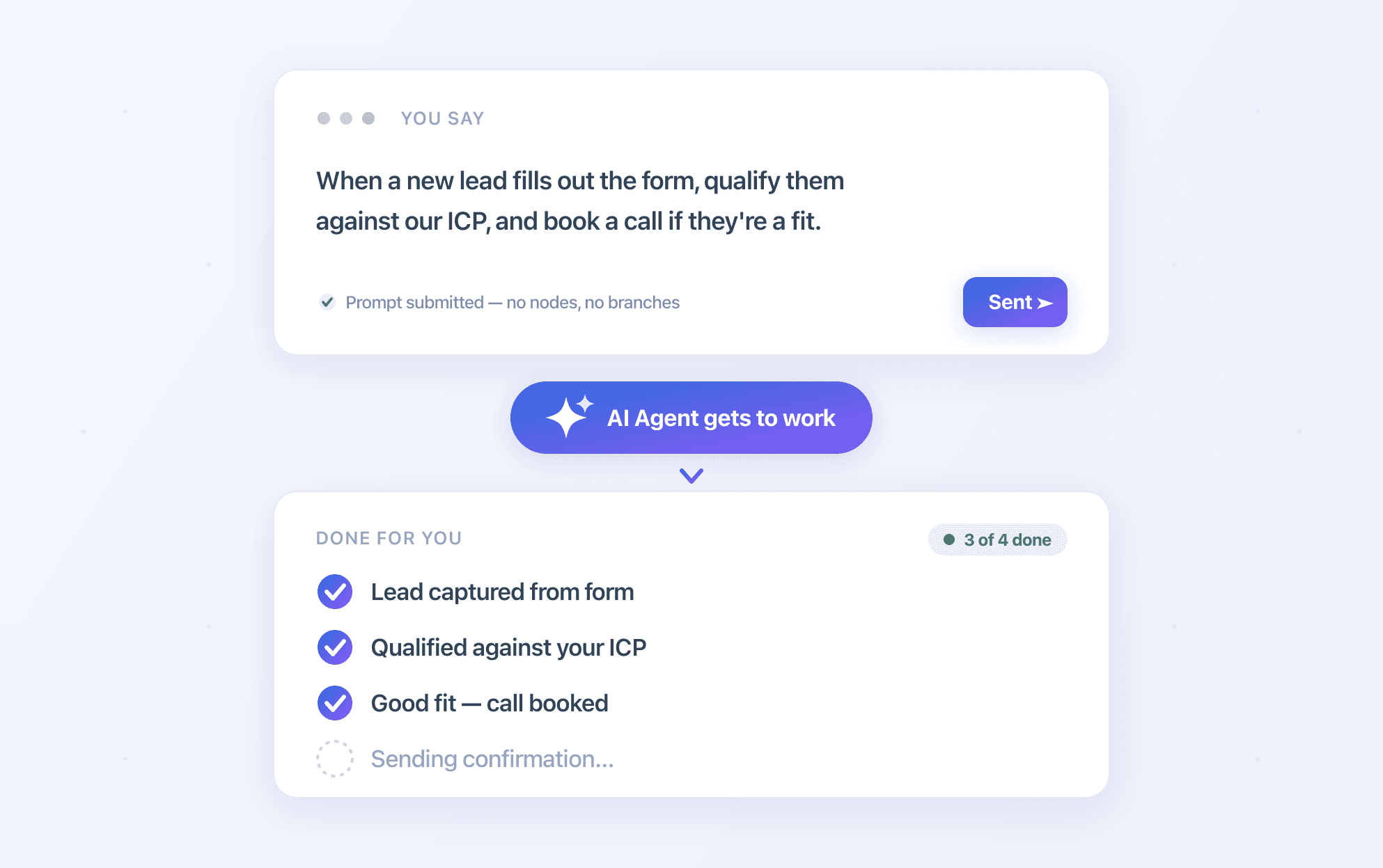
Ready to build your first agent?
Get the free guide by email. Or skip ahead: bring your biggest time sink to a free 20-minute call and we'll show you the agent that takes it over.