Free checklist · 6-page PDF
Business Automation Checklist: 18 Tasks to Automate First
The Business Automation Checklist is a free 6-page PDF that lists 18 everyday tasks most small businesses still do by hand, grouped into five areas: sales, support, scheduling, admin and marketing. Tick the ones your team still does manually, add up your score, and you'll know exactly what to automate first.
- 18tasks
- 5business areas
- 6page PDF
By Talk to Me Data · Updated



Free download
Get the checklist in your inbox
Enter your details and we'll email you the 6-page PDF right away.
Free PDF by email. No spam, unsubscribe any time.
Inside the PDF
What's inside the checklist
- 01
18 tasks in five areas
Sales and lead response, customer support, scheduling, admin and back office, marketing and retention. The work every small business repeats.
- 02
What each task really costs
Every item comes with one line on what it costs you while it stays manual, so you can spot the expensive ones fast.
- 03
A score in three bands
Add up your ticks. 0–5, 6–11 or 12–18 tells you how much of your team's week is going to work that doesn't need a person.
- 04
What it looks like with an agent
For each area, a short example of the AI agent that takes the work over: lead qualification, support, booking and admin.
What business tasks should you automate first?
Automate the tasks that happen often, follow the same steps every time and don't need a person's judgment. The checklist groups the 18 most common ones small businesses still do by hand into five areas:
Sales and lead response01
- New website inquiries sit in an inbox until someone is free
- The same qualifying questions get asked manually, every time
- Leads who don't convert straight away rarely hear from you again
- Pricing and quote info is typed out fresh for every inquiry
Customer support02
- The same FAQs get answered over and over
- "Where's my order or appointment?" calls tie up staff time
- Simple requests wait in the same queue as everything else
- Anything that comes in after hours waits until tomorrow
Scheduling and operations03
- Booking a call takes several back-and-forth messages
- No-shows happen because reminders are inconsistent
- Reschedules and cancellations are handled one at a time
- Staff cross-check several calendars to confirm availability
Admin and back office04
- Invoices and payment reminders go out manually, and sometimes late
- New client information gets typed in by hand
- CRM records get updated "when there's time"
Marketing and retention05
- Review requests are an afterthought, or skipped entirely
- Past customers go quiet because no one follows up
- Recap notes and follow-ups after calls are written from scratch
The PDF adds a line on what each task costs you while it stays manual, and what it looks like once an AI agent takes it over.
How is the checklist scored?
Add up your ticks. Your total out of 18 falls into one of three bands:
| Ticks | What it means |
|---|---|
| 0–5 | You're leaner than most. The few tasks you ticked are still worth a look, because they tend to be the ones that quietly eat the most time. |
| 6–11 | The most common range. Each task feels small on its own, but together they take a real share of every week that could go to growth. |
| 12–18 | Your business is running a second, unpaid employee made of busywork. This is exactly the kind of work an AI agent is built for. |
What does an AI agent do with these tasks?
An AI agent handles a task from start to finish, the same way every time, at any hour, without being reminded. For the tasks on the checklist, that looks like this:
- A lead qualification agent replies to new inquiries in seconds, asks your standard questions and only passes on the leads that are ready to talk.
- A customer support agent answers FAQs and order status questions around the clock and escalates anything it can't resolve to your team.
- A booking agent lets clients book, reschedule and get reminders, synced to your real calendar with no back-and-forth.
- A data entry agent keeps your CRM current and can trigger an invoice the moment a job is marked complete.
Not sure which area to start with? The AI Agent Readiness Audit scores each one. Want to build the agent yourself? Read How to Build AI Agents.
Who is the checklist for?
Small business owners, solo founders and operators of lean teams who always feel behind. Not because they aren't working hard, but because too much of the week goes to repetitive work that doesn't need them.
You don't need to be technical. It's a tick-box list in plain language, and for a wider view of where AI fits, read how small businesses use AI agents.
Frequently Asked Questions
What is a business automation checklist?
Which tasks should a small business automate first?
How long does the checklist take?
Do I need technical skills or software to use it?
What should I do after completing the checklist?
Keep going
More free guides
Free audit · PDF
AI Agent Readiness Audit: Is Your Business Ready for AI Agents?
20 questions across lead response, support, scheduling, admin and growth, scored out of 60. Your lowest sections show where to start with AI agents.
- 20questions
- 5areas scored
- 60point scale
Free guide · PDF
How to Build AI Agents: The Free Guide for Business Owners
Which manual work to hand to an agent, how to build your first one in Claude in four steps, the honest limits of DIY, and the done-for-you route.
- 6workflows
- 4build steps
- 2paths compared
Related reading on the blog
All guides on the blog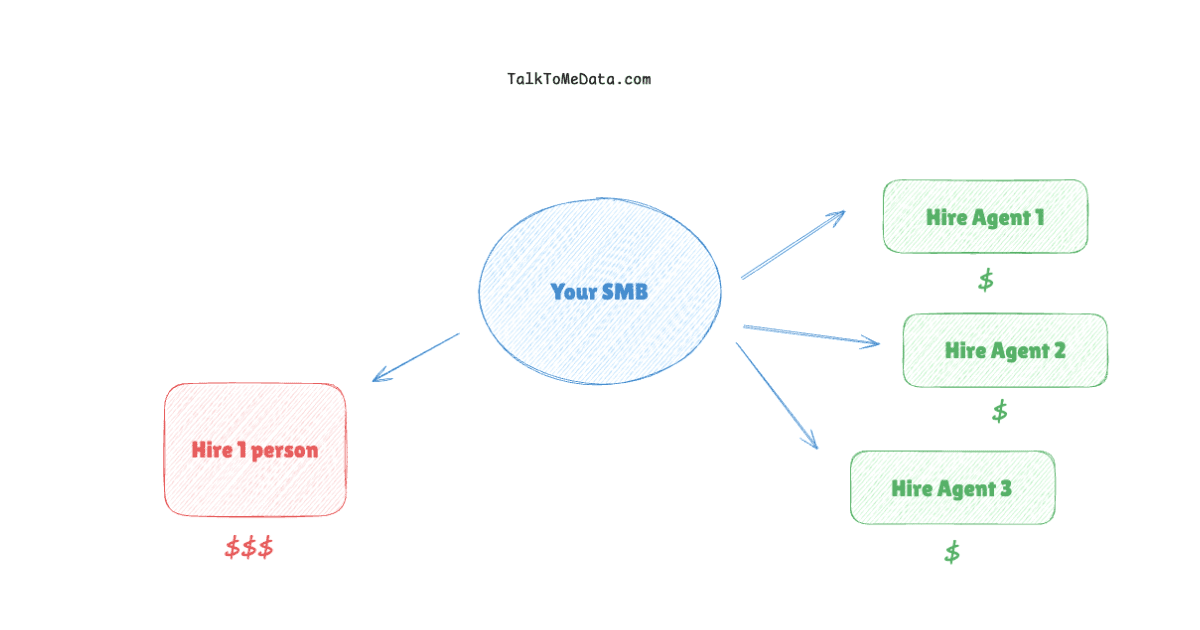
AI Agents
AI Agents for Small Business: How SMBs Are Automating Operations Without a Tech Team
Business Automation
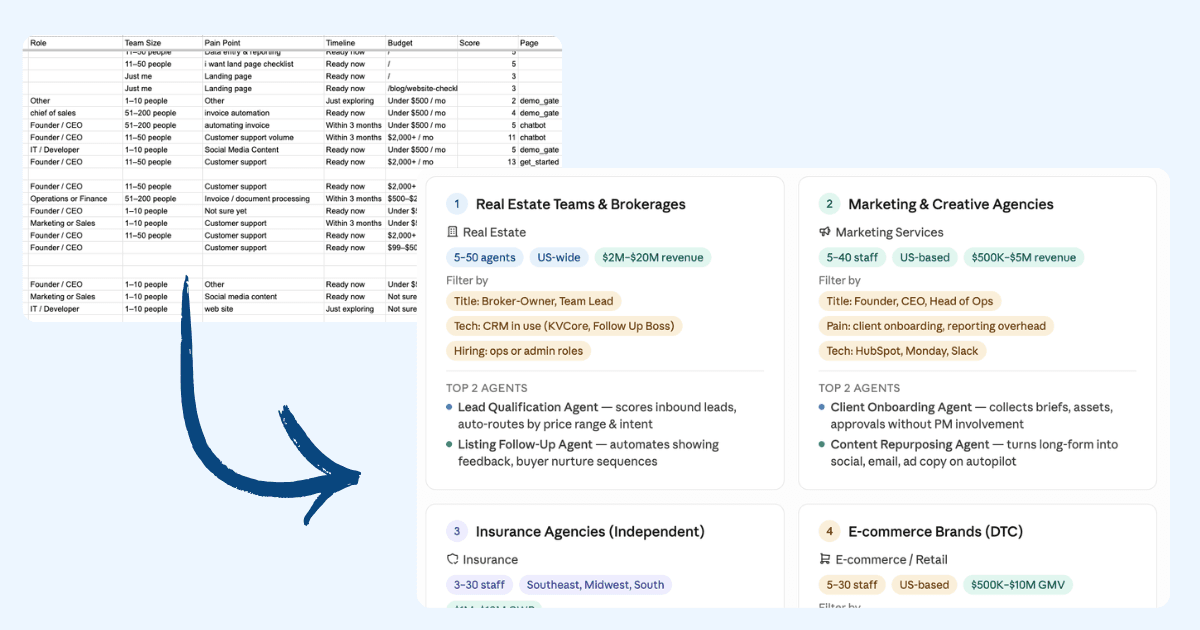
How to Automate Data Entry and Reporting With an AI Agent (With the Exact Prompt)
Business Automation
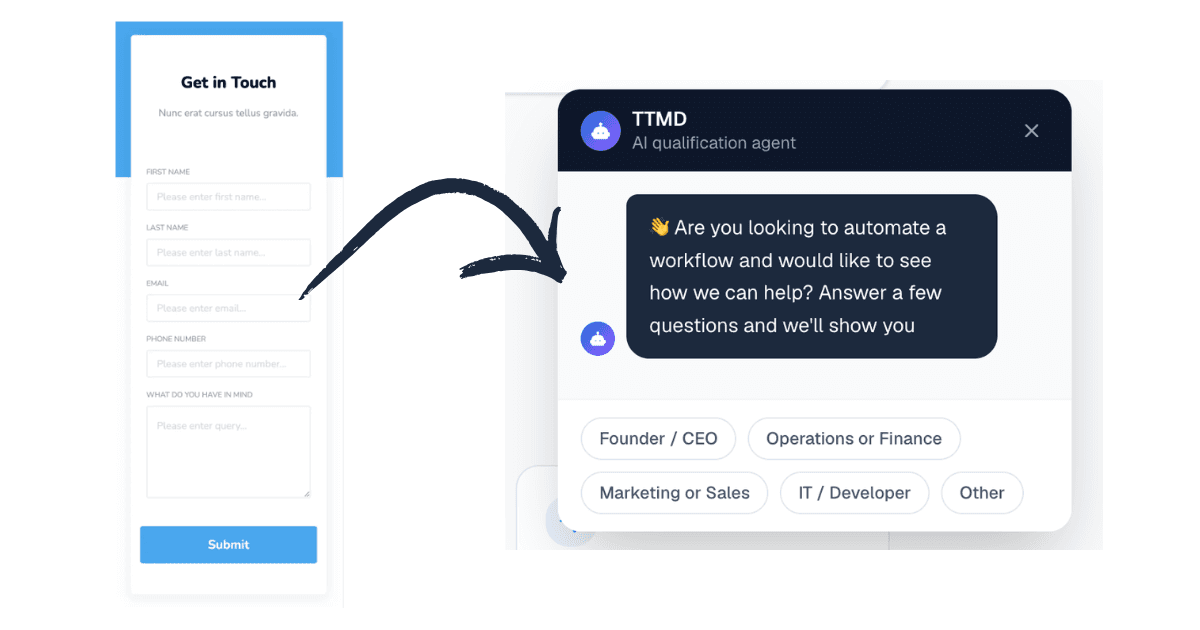
How to Automate Customer Service With an AI Agent (With the Exact Prompt)
Ready to get your week back?
Get the free checklist by email. Or skip ahead: bring your biggest time sink to a free 20-minute call and we'll show you the agent that takes it over.